Deploy OpenShift Virtualization Roadshow Environment
The Experience OpenShift Virtualization Roadshow within RHDP provides a suitable environment for starting to work with the Ansible for OpenShift Virtualization Migration.
Navigate to the Experience OpenShift Virtualization Roadshow Catalog Item and select Order.
On the order page, select the following options:
-
Activity: Practice / Enablement
-
Purpose: Conduct internal training/enablement
Leave the remainder of the options as their default values.
Select the checkbox next to I confirm that I understand the above warnings and click Order to begin the provisioning process.
It will take some time for the environment to fully provision. The progress can be tracked within the RHDP portal and once complete, an email will be sent to your inbox.
Once the provisioning of the environment has completed, select the Service associated with the Experience OpenShift Virtualization Roadshow workshop.

Obtain the credentials for the admin user as well as the URL’s of the OpenShift API Server and Web Console by selecting the Details tab.
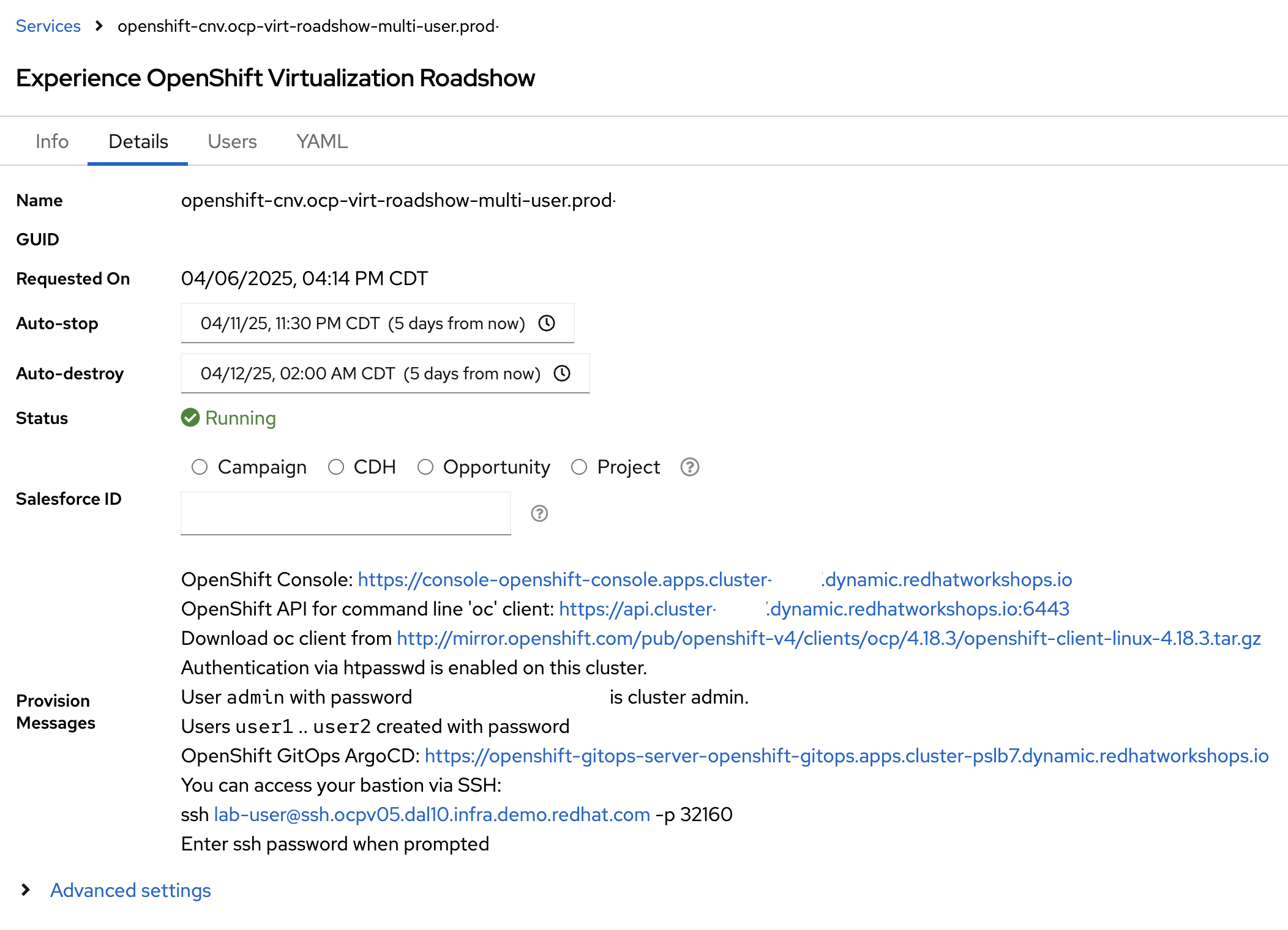
Use the OpenShift Command Line Interface (CLI) to authenticate to the OpenShift environment using the information provided on the Details tab. Be sure to use the credentials for the admin and replace the admin password and location of the OpenShift API server with the values listed on the details tab of the RHDP service in the following command.
oc login --insecure-skip-tls-verify=true --username=admin --password=<password> --server=https://api.cluster-<cluster_id>.dynamic.redhatworkshops.io:6443At this point, you should be able to begin working with the Ansible for OpenShift Virtualization Migration